

The
junction-api-sdk PyPI package (Junction API Python SDK) provides typed bindings
of the Junction API in Python that track our OpenAPI Schema.Junction Sense Python SDK is a standalone product offering, separate from the junction-api-sdk PyPI package.Authentication
Deployed Services
Deployed Services
Use the same Junction API Keys your system uses to interact with the Junction API.To set the Junction API Key for the Junction Sense Python SDK, you can:
- Pass the Junction API Key explicitly to the Junction Sense SDK entity’s constructor (e.g., the Query Executor); or
- Set the Junction API Key as the
VITAL_API_KEYenvironment variable.
Data Scientists and Developers
Data Scientists and Developers
Sign-in locally on your machine with your Junction Dashboard account. You can
do so through the Junction Sense SDK Command Line Tool as detailed below.
Installation
Aggregation API
1
Add a dependency
Add the
vitalx-aggregation package to your project.SDK Command Line Tool
1
Add a dependency
Add the
vitalx-cli package as a dev dependency to your project.2
Start the device authentication process
Create the Call the
~/.vitalx directory, and grant it execute permission. The SDK requires execute
permission to maintain a file lock.auth login CLI subcommand on the vitalx-cli package to start the authentication
process.3
Sign in with your Junction Dashboard account
You will be prompted in your default web browser to sign in to the Junction Dashboard.
You will then be asked to confirm the device authorization.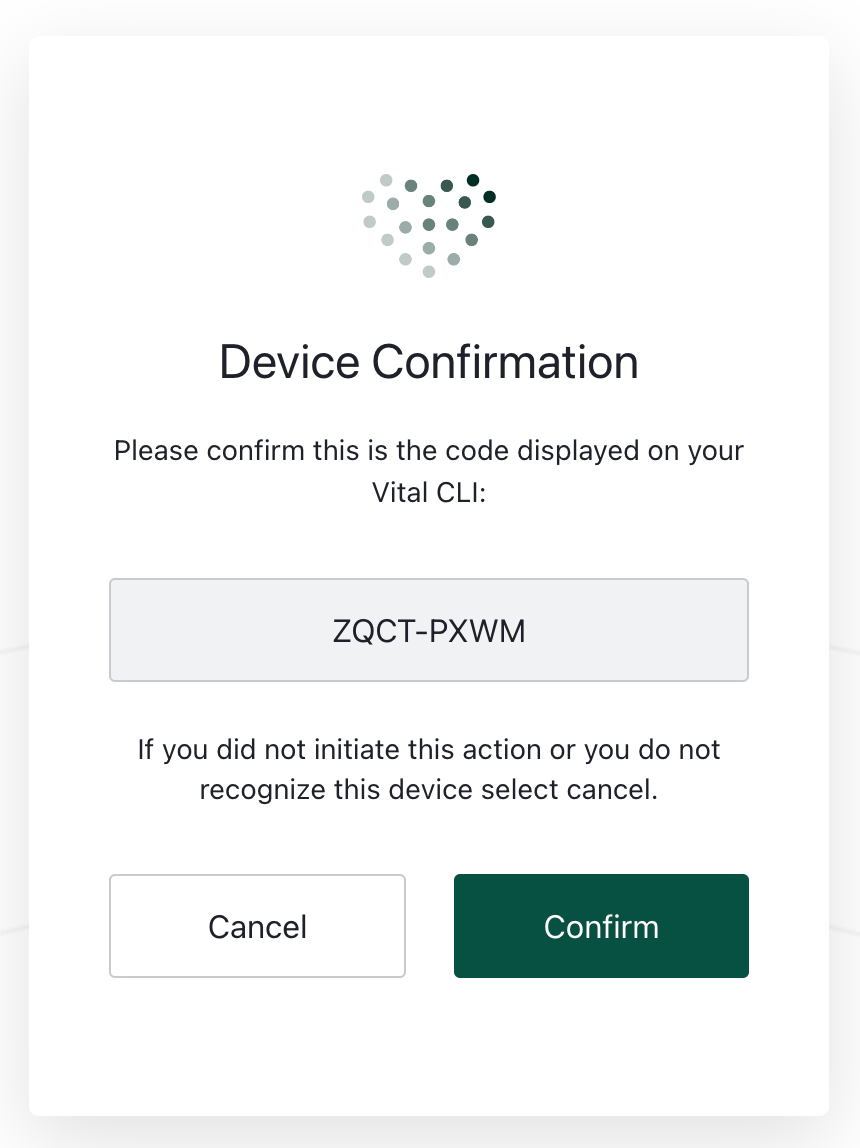
4
Voilà!
You have now signed in. You can now use any Junction Sense SDK entity without a Junction API Key.
Your permanent session is stored at
~/.vitalx/.